Phomemo
Phomemo M220 Label Maker, Bluetooth Barcode Label Printer, Thermal Sticker Maker Machine for Barcode, Address, Tag Labeling, Compatible with Phone & Laptop
Couldn't load pickup availability
About This
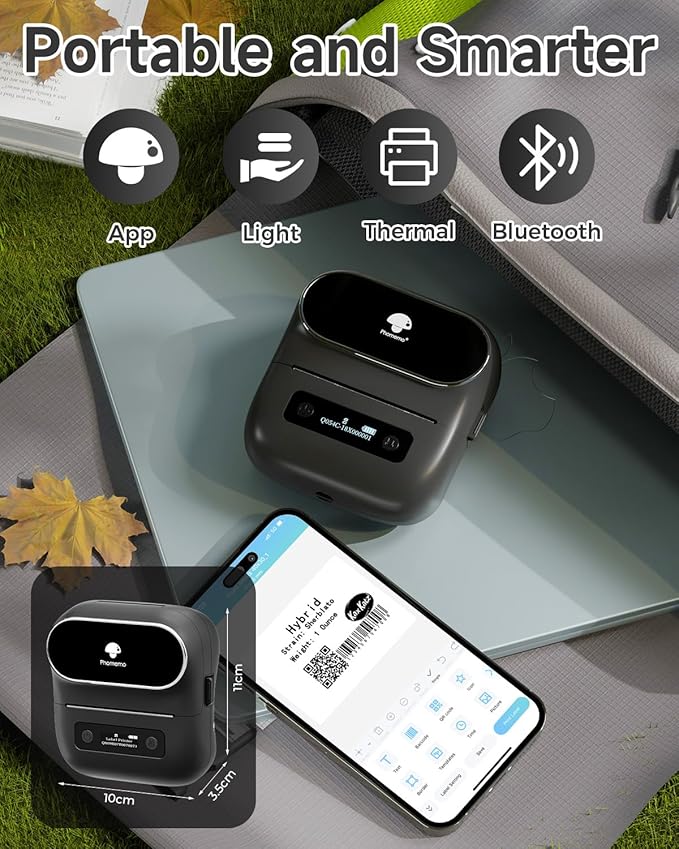
- On The Go Label Maker- Phomemo M220 label maker is a small handle label maker printer, could easily slide into pocket, bag to take anywhere and anytime, support print barcode, Qr code, Text, image, address, price tag and more. (Attention: The label maker only support print 0.78'' - 3.14'' width labels, can't print 4 x 6 shipping labels)
- Wireless Bluetooth Label Makers - One click to connection for Bluetooth on the App "Print master", Phone or tablet edit and preview the labels, Say Goodbye to traditional keyboard label maker that can't preview.
- High Compatible - M220 label maker not only compatible with Android & iOS Phone and tablet but also compatible with Windows 10/11 and Mac laptop & PC, it is a mobile label maker also a small desktop label printer.
- Inkless Thermal Printing - The small barcode label printer adopt thermal technology, printing without ink or toner, only use thermal paper could print the labels you need, keeping clear and clean, no ink or toner, saving 80% one year than traditional printer.
- Why We Need Label Makers - With the help of a label maker, we can print out tags for storage containers and refrigerator drawers, organize the pantry, and identify all of cords, tools, and electronics, Plus, using the m220 label maker could identify children's supplies, kitchen's store and more.
- Phone and Tablet Start Printing - Step 1: Download the App 'Print Master'. Step 2: Turn on the M220 label maker and your phone's or tablet's Bluetooth. Step 3: Click the 'Printer' icon in the App to search for the M220 portable label printer, connect it via Bluetooth in the App, select the label size, and edit the content to start printing
- Laptop/PC Starts Printing - Step 1: Please check your laptop/PC's operating system (OS) and download and install the correct M220 driver and the 'Labelife' app from the Phomemo website. Step 2: Use the USB data cable to connect the M220 label maker to your computer. Step 3: Select the label size, edit the content, and choose M220 from the printer list
Overview
- Brand : Phomemo
- Connectivity Technology : Bluetooth, USB-Type-C
- Printing Technology : Thermal
- Special Feature : Lightweight, Support Print 0.78''- 3.14'' Width Lables, Small and Handle, Portable, Support Wirelesll Bluetooth Connection and USB Connection, 2200mAh Large Rechargeable Battery Capacity Lightweight, Support Print 0.78''- 3.14'' Width Lables, Small and Handle, Portable, Support Wirelesll Bluetooth Connection and USB Connection, 2200mAh Large Rechargeable Battery Capacity
- Color : Grey
- Model Name : M220
- Printer Output : Monochrome
- Maximum Print Speed (Color) : 1 ppm
- Max Printspeed Monochrome : 50 ppm
- Item Weight : 0.8 Pounds
Share

Collections
-
Air Dusters & Cleaning Sprays
Professional Air Dusters & Cleaning SpraysKeep your electronics and workspace spotless with...
-
Binders & Sheet Protectors
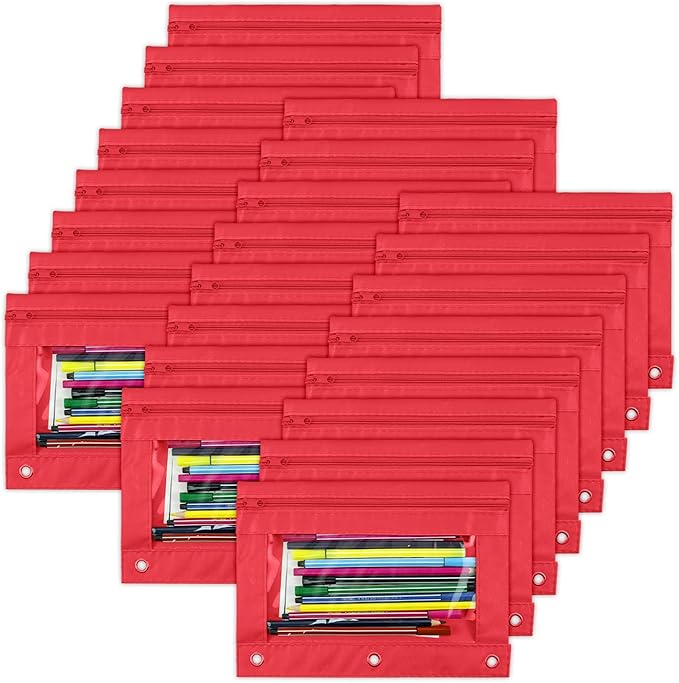
Professional Binders & Document ProtectionProtect and organize your important documents with our...
-
Chargers, Cables & Adapters
Essential Chargers, Cables & AdaptersStay connected and powered up with our comprehensive...
DeskStock Office Supply – Smart, Organized, Ready
Keep your workspace neat, efficient, and professional with DeskStock Office Supply. Designed for modern offices, this all-in-one organizer provides the perfect balance of style and functionality.
-
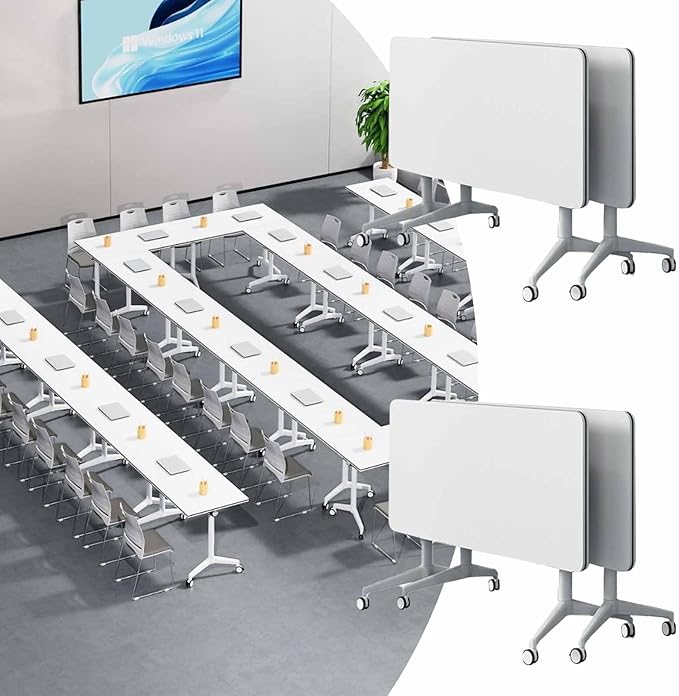
Conference Tables & Meeting Furniture
Professional Conference Tables for Dynamic MeetingsEnhance your meeting spaces with our versatile...
-
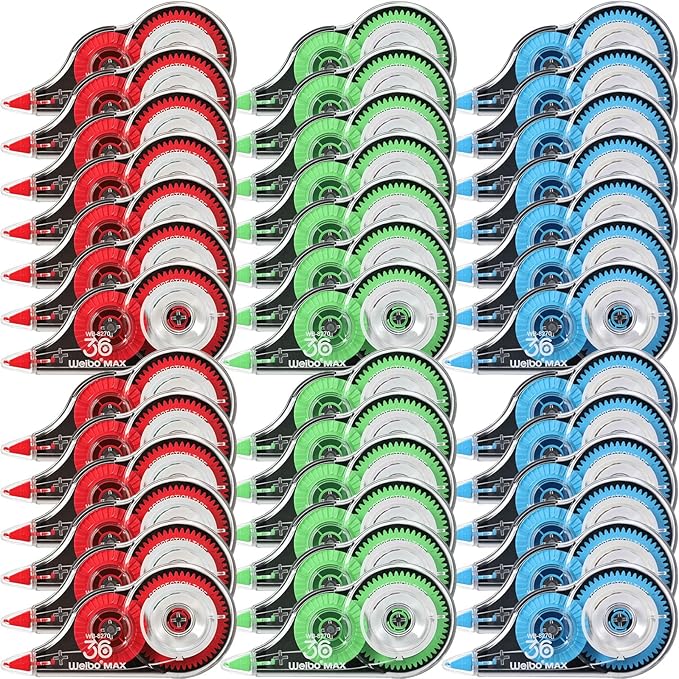
Correction Tape & Fluids
Correction Tape & Error Correction SuppliesFix mistakes quickly and cleanly with our...
-
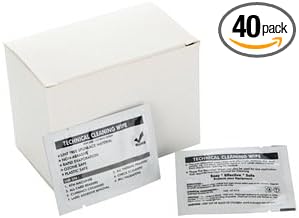
Desk & Screen Cleaning Kits
Professional Desk & Screen Cleaning SolutionsKeep your workspace spotless with our comprehensive...
-
Desk Trays & Organizers
Essential Desk Trays & Office OrganizersKeep your workspace tidy and efficient with...
Time-Saving – No more searching—everything stays in place and easy to access.
Whether you’re working from home or managing a busy office, DeskStock keeps everything you need—pens, notepads, paper clips, and essentials—right at your fingertips.
Blog posts
View all-
Office Wellness Hub: Your Complete Guide to Phy...
Discover how to transform your workspace into a wellness hub. From ergonomic setups to mindful work habits, this guide covers everything you need to support your physical and mental well-being...
Office Wellness Hub: Your Complete Guide to Phy...
Discover how to transform your workspace into a wellness hub. From ergonomic setups to mindful work habits, this guide covers everything you need to support your physical and mental well-being...
-
The Future of Workspaces: How Modern Work Envir...
Explore how modern workspaces are evolving — from hybrid setups to intentional design — and what it means for productivity, well-being, and the future of work.
The Future of Workspaces: How Modern Work Envir...
Explore how modern workspaces are evolving — from hybrid setups to intentional design — and what it means for productivity, well-being, and the future of work.
-
Desk Therapy: How to Build a Workspace That Act...
Desk therapy is the practice of intentionally designing your workspace to support focus, calm, and creativity. Learn how ergonomics, lighting, curation, and daily rituals can transform how you work.
Desk Therapy: How to Build a Workspace That Act...
Desk therapy is the practice of intentionally designing your workspace to support focus, calm, and creativity. Learn how ergonomics, lighting, curation, and daily rituals can transform how you work.
Frequently Asked Questions
How long does shipping take?
Shipping takes place within 3-5 business days. If there is a problem with the shipment of the product, we will notify you via the email address you entered when ordering.
How can I get a tracking number for my order?
If your order has been shipped, we will add the tracking number to your order and notify you via the email address you entered when ordering.
Is free shipping available?
We do not currently offer free shipping. However, this may be added at some point. We apologize.
How do I process a return or exchange?
For returns or exchanges, please contact us within 14 days of receiving the product, along with a receipt or screenshot of the purchase, and a photo of the product with the packaging or tag intact.